

Mobirise Website Builder

Master Essential ICT Skills - At Your Own Pace

ICTSkills4U is a practical, easy-to-use ICT literacy solution designed for beginners, students, job seekers, and anyone who wants to confidently use a computer. Learn at your own pace with our downloadable app or attend guided classes with experienced trainers.

Empowering Digital Skills for Everyone

Unlock your creative potential and embark on a transformative journey by signing up for pottery lessons today.

About ICTSkills4U
ICTSKills4U is a self‑paced eLearning solution developed to improve basic ICT literacy skills. The program is delivered through a downloadable desktop application that works offline after activation.

The app is ideal for:
  • Beginners with little or no computer experience with little or no computer experience who want to learn from scratch.
  • Students and school leavers preparing for studies or the workplace.
  • Job seekers needing basic computer skills to improve employability.
  • Small business owners managing documents, records, and emails.
  • Anyone who wants to feel more confident using a computer

Course Content Overview

The ICTSkills4U course covers the following key areas:
Mobirise Website Builder
Using the Keyboard & Mouse

  • Identifying keyboard keys and their functions
  • Using the mouse (click, double-click, right-click, scroll)
  • Typing basics and posture
  • Using keyboard shortcuts
  • Practicing accuracy and speed.

Mobirise Website Builder
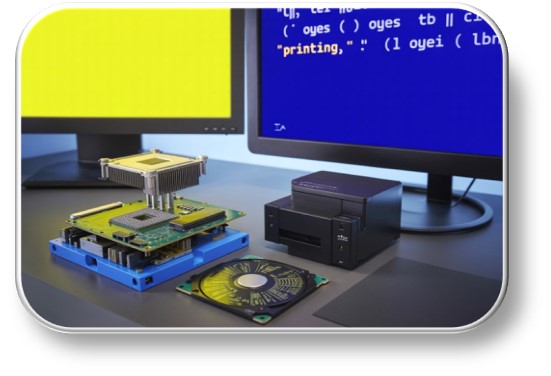
Introduction to Computer 

What is a computer?

Parts of a computer (hardware & software)

Types of computers

Starting and shutting down a computer correctly

Basic computer terminology

Mobirise Website Builder
File Management


Understanding files and folders

Creating and naming folders

Saving and locating files

Copying, moving, and deleting files

Using the Recycle Bin

Mobirise Website Builder
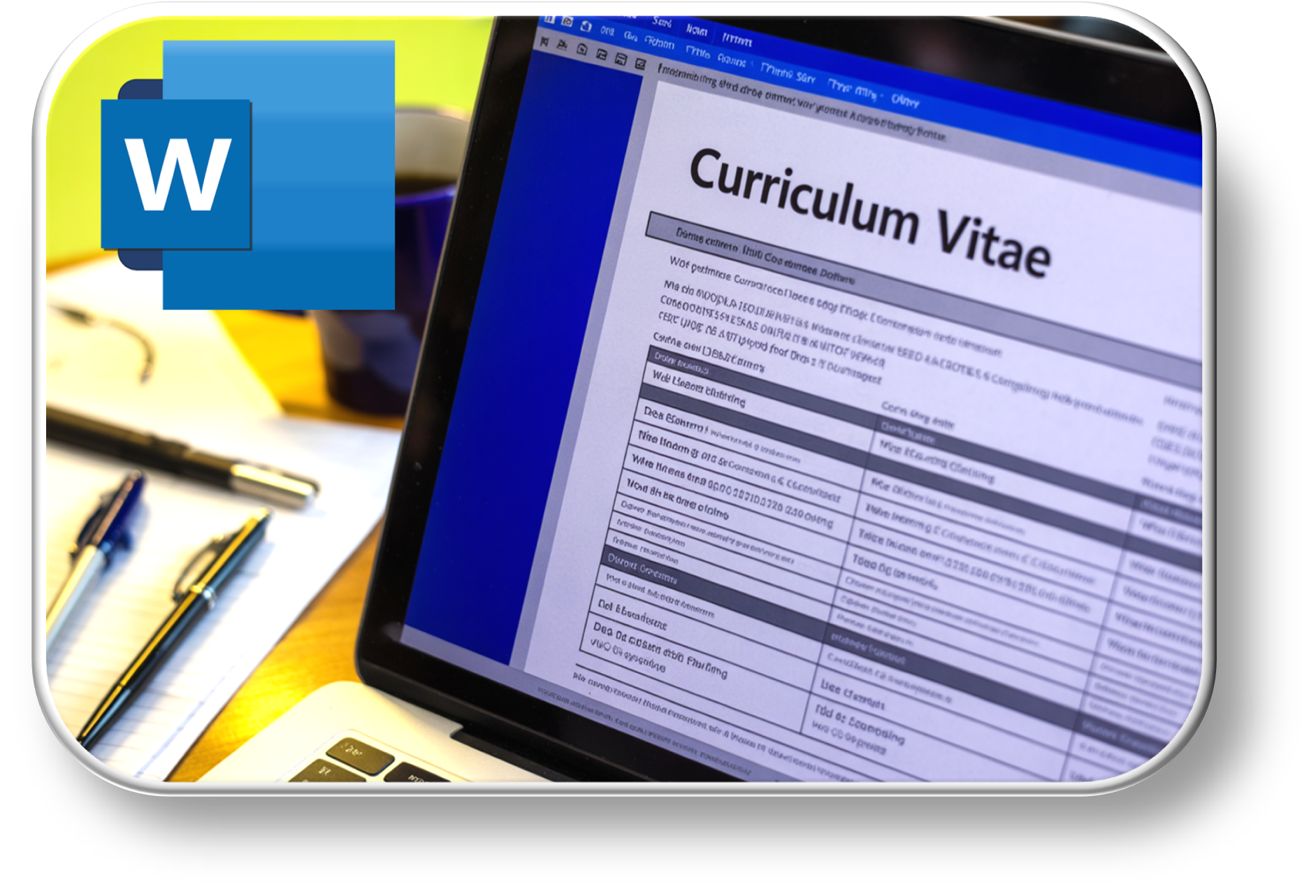
Microsoft Word


Creating and saving documents

Typing and editing text

Formatting text and paragraphs

Inserting tables and images

Printing documents

Mobirise Website Builder
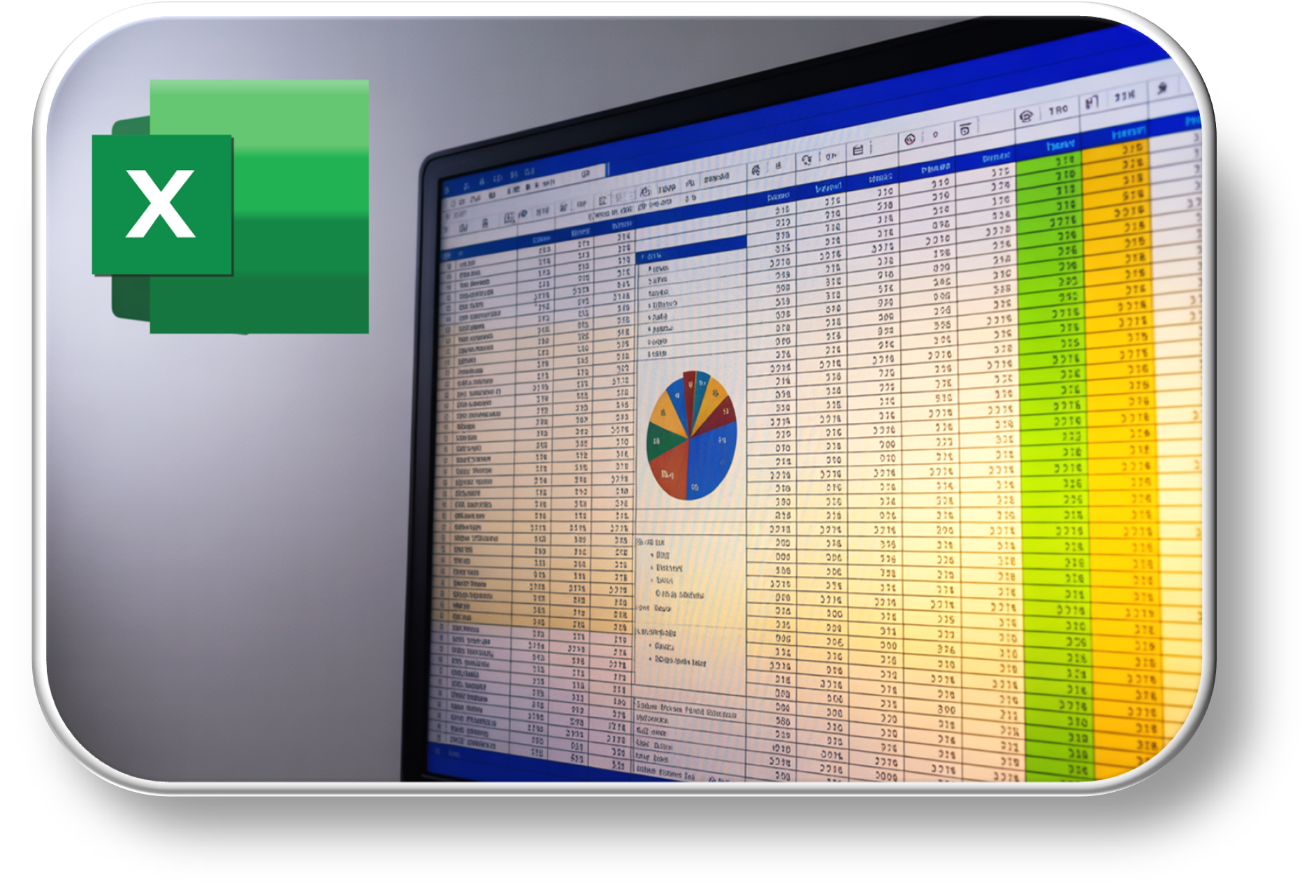
Microsoft Excel


Understanding worksheets and cells

Entering and editing data

Basic formulas and functions

Formatting spreadsheets

Creating simple charts

Mobirise Website Builder
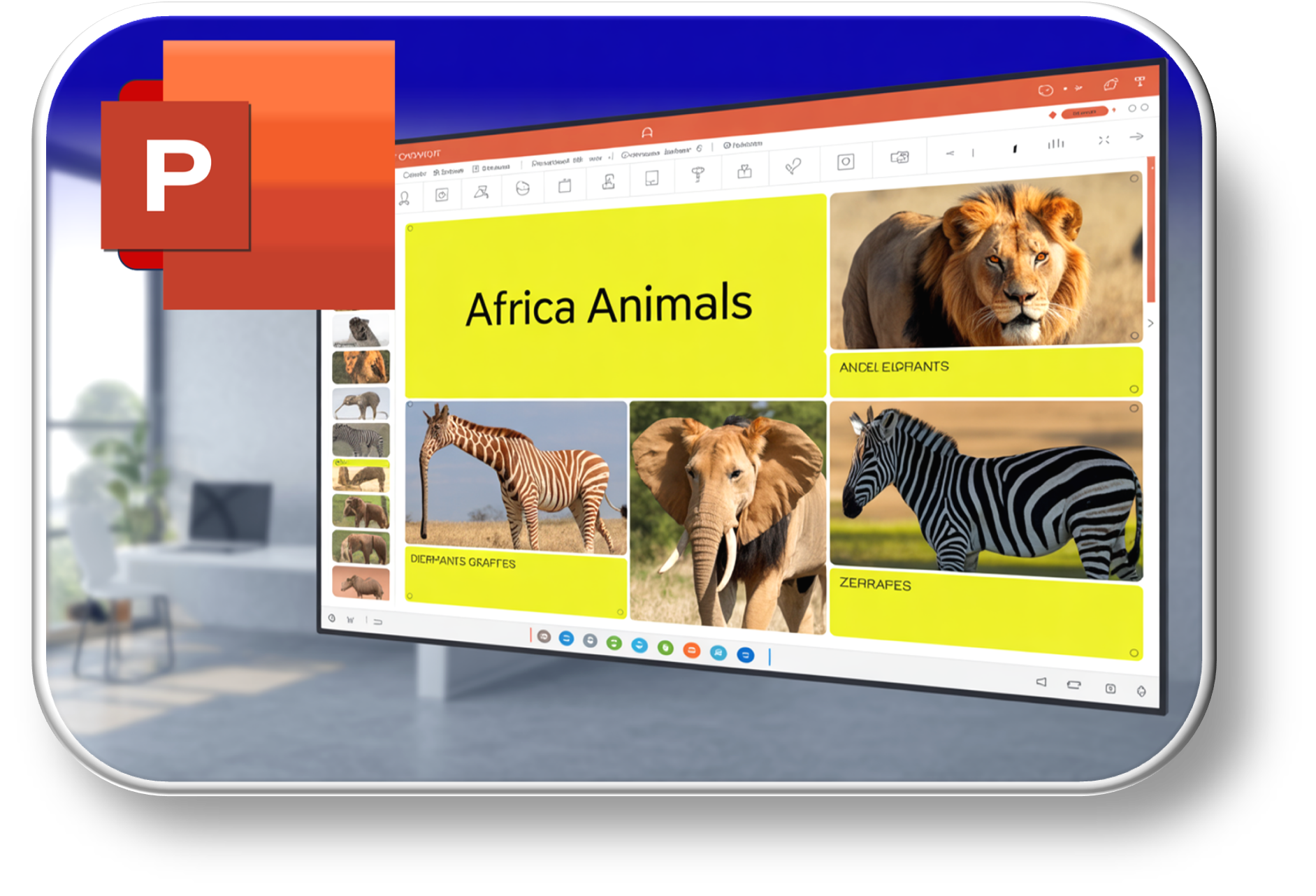
Microsoft PowerPoint

Creating a presentation

Adding and formatting slides

Inserting text, images, and shapes

Using slide layouts and themes

Running a slideshow

Mobirise Website Builder
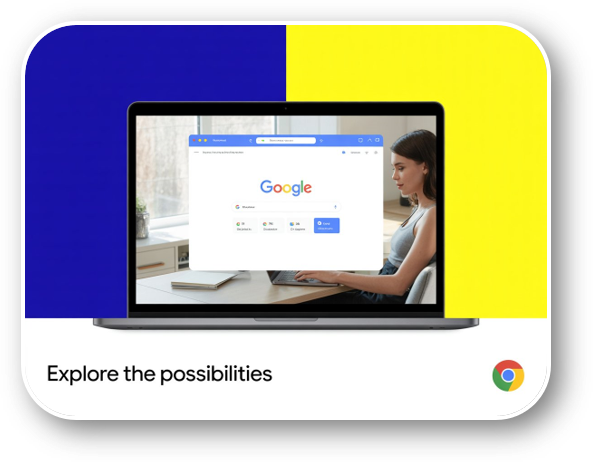
Browsing Internet


Using a web browser

Searching for information online

Understanding websites and links

Downloading files safely

Internet safety basics.

Mobirise Website Builder
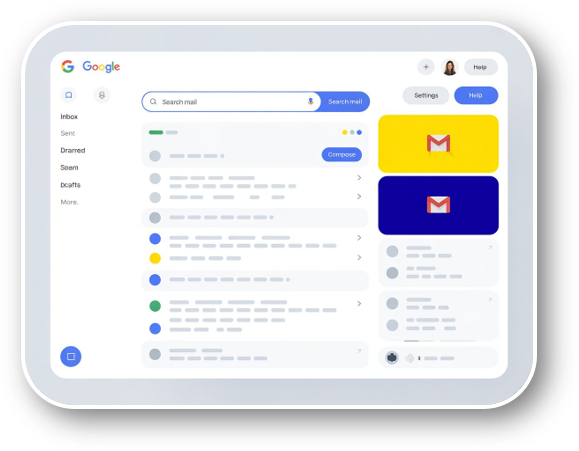
Using Email


Creating an email account

Sending and receiving emails

Replying and forwarding messages

Attaching files

Email etiquette and safety

Subscribe to get news on our ICTSkills4U product

Got questions?

ICTSkills4U is a self-paced ICT literacy learning solution delivered through a downloadable app. It teaches basic computer skills such as using a computer, Microsoft Word, Excel, PowerPoint, the internet, and email.

Internet is required for downloading and activation. After activation, most content can be used offline.

After registration, your name is saved in our system for 48 hours. When payment is received, the system matches your payment name and sends you an activation code. Enter the code in the app to activate it.

Yes. We offer instructor-led classes over 2 weeks, from Monday to Thursday, 2 hours per day.

Morning: 08:00 – 10:00

Evening: 18:00 – 20:00.

Yes. The skills taught are practical and aligned with basic workplace computer requirements..

Contacts

Get in touch with us


Phone| Whatsapp:  (+264) 8191200

Address: 
14 Piccini Street, Windhoek West

(Next to Louis Botha Shop)


Working hours:
9:00AM - 5:00PM